
nsite-clay
A self-editable nsite. One HTML file that edits and republishes itself, hosted on Nostr.
What it is
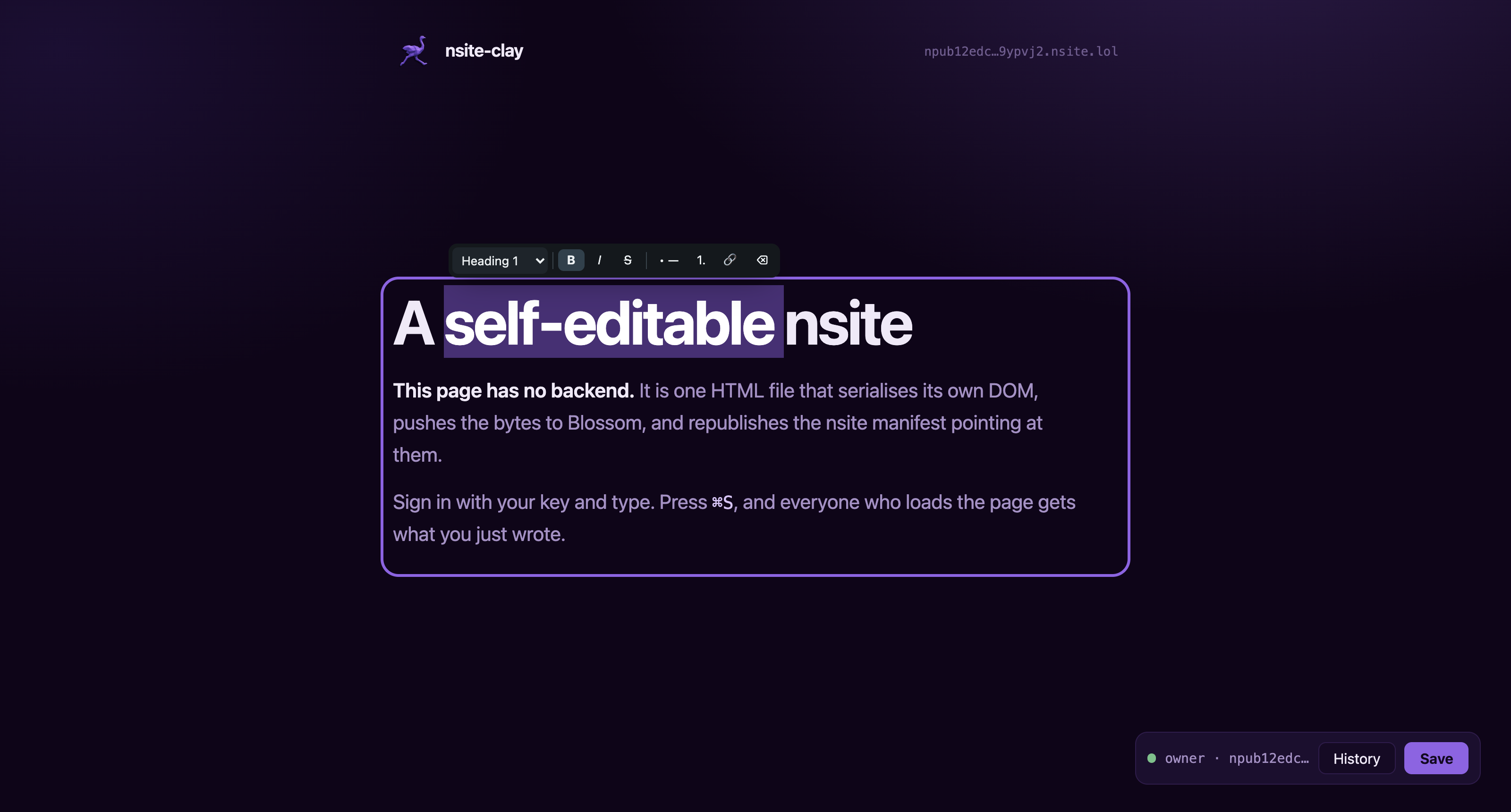
Open the page, sign in with your key, and type into it. The document serialises its own DOM, pushes those bytes to a Blossom server as one content-addressed blob, and republishes the NIP-5A nsite manifest that points at it. Anyone else loading the page gets a plain static document with your changes already in it.
Nothing in that round trip is a server you have to run. Relays hold the manifest, Blossom servers hold the bytes, and the browser does the rest. Ownership is a keypair, so who may edit this page is not a row in somebody else's database.
- 01 SNAPSHOT
The page clones its own DOM, cleans it up, and serialises the whole document.
- 02 BLOSSOM
Those bytes go to a Blossom server as a blob addressed by its own sha256.
- 03 MANIFEST
A replaceable nsite event maps the path to that hash. Publishing it is the deploy.
This page you are reading is one of those documents. It runs nsite-clay and saves itself the same way.
Description for Nostr geeks
An nsite is web hosting. Not long-form notes, whole HTML files. That is all an nsite is.
nsite-clay adds one thing to it: the page edits and updates itself, so the CMS sits inside the static HTML rather than behind it.
You change the DOM. Click around the page and edit things, or open your
browser's DOM inspector and change it there; the page does not care which. The new version
is uploaded to your Blossom servers, and one replaceable event is republished saying which
Blossom hash / or /about-us now points to. Any nsite gateway
renders it.
Write and edit with AI
Describe the page you want in the publisher and AI writes it: the layout, the stylesheet, text you can edit and empty frames for your own photos. Look at the preview, ask for changes, and publish it with your own key.
On a page that is already published, press Edit with AI and say what should change, either the whole page or only the part you clicked. Nothing reaches the page until you keep the result. Undo takes it back, and Save publishes it.
You pay for AI in one of three ways.
- 01 SUPPORT THE PROJECT
The default. Pay one 2000 sat Lightning invoice and everything works: 1000 sats fund nsite-clay, 1000 become your AI credit on our Routstr node. The key is kept encrypted on your own relays, so it follows you to every device you sign in on, and credit you do not spend can be withdrawn.
- 02 YOUR OWN ROUTSTR NODE
Point AI settings at any other Routstr node and add credit there with Lightning or Cashu. The fees go to whoever runs that node.
- 03 BRING YOUR OWN KEY
Use any OpenAI-compatible API that accepts requests from a browser, with your own key and the model you choose. What you pay stays between you and that provider.
AI is an extra, and everything else stays free. The editor, the twelve templates, the block composer and publishing never ask for payment. Pick a template, click into the page and type, exactly as before.
The whole integration
One attribute says who owns the file, one marks what people can type into, one script tag does the rest.
<!DOCTYPE html>
<html lang="en" autosave nc:owner="npub1…">
<head><meta charset="utf-8"><title>Notes</title></head>
<body>
  <h1 editable="single-line">My notes</h1>
  <div editable>
    <p>Type anything here.</p>
  </div>
  <script src="/nsite-clay.js"></script>
</body>
</html>
Save it, then open the file in a text editor: your words are in the HTML. The DOM is the database, so there is no other place for state to live.
Editing
Mark a container editable and it becomes rich text for the
owner and ordinary markup for everybody else.
Enter starts a new paragraph. Selecting text raises a floating toolbar whose first control is a block menu: Paragraph, Heading 1 to 3, Quote, Code block.
Keyboard shortcuts work as you would expect, and typing # ,
- or > at the start of a line does too.
What reaches the file is markup a person could have written by hand. The toolbar and the debris browsers emit from editing commands never get saved.
Templates as apps
A template is not a colour scheme. Each one is a small application that happens to be a single file: it reads from relays, it has controls, and in several of them a visitor can do something. The page can look like anything, because nothing underneath is deciding what a page has to be.
-
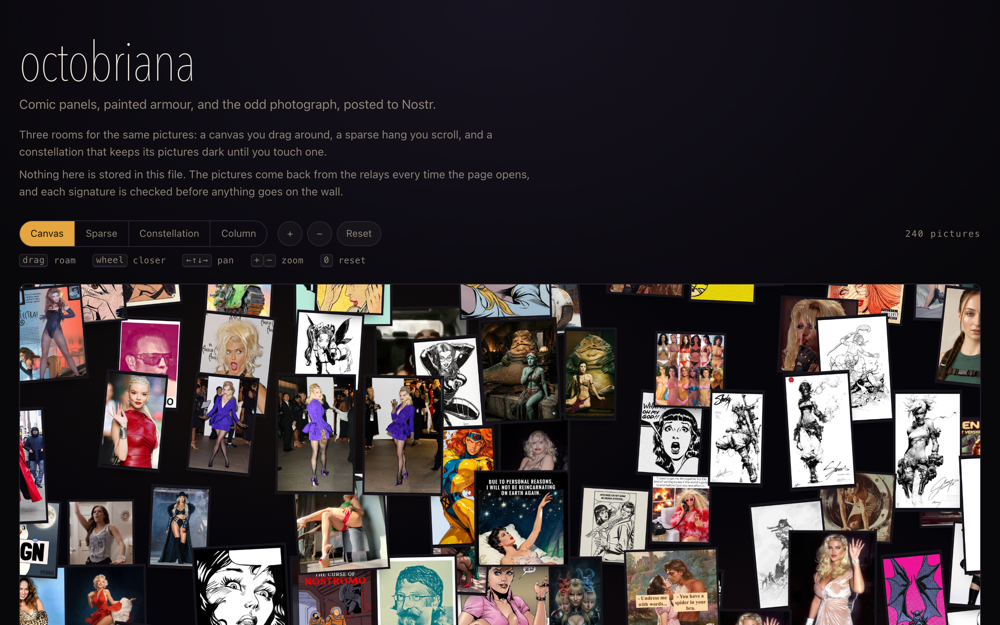 Photo wall
Hundreds of pictures from one npub, on a canvas you drag and zoom. Three layouts, switchable.
-
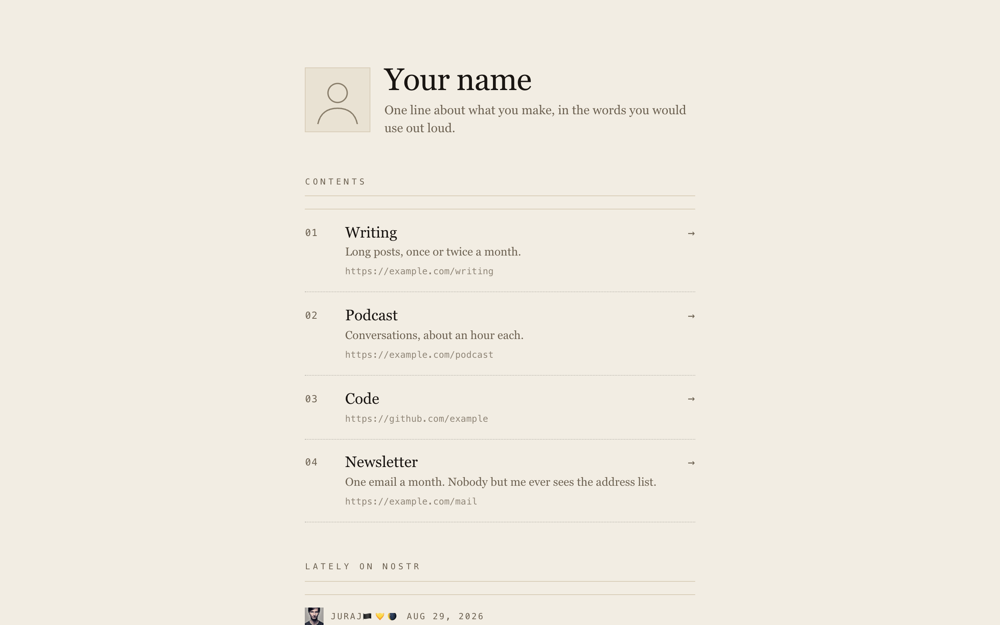 Link list
A linktree you edit on the page itself. Add a link, drop one, set a zap address.
-
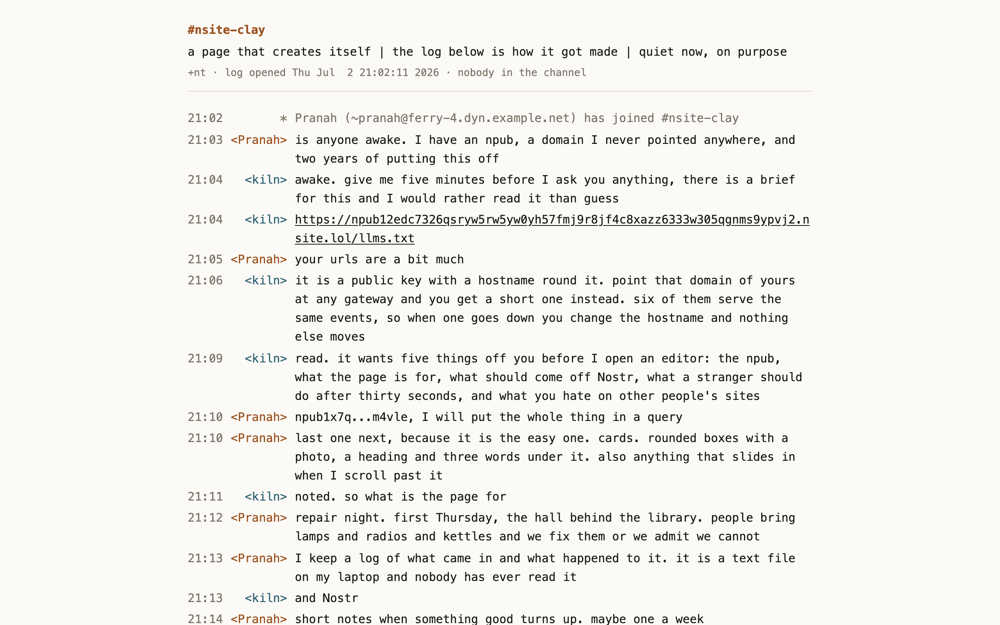 Channel log
A page you keep adding lines to. Sign in and a composer appears at the bottom.
-
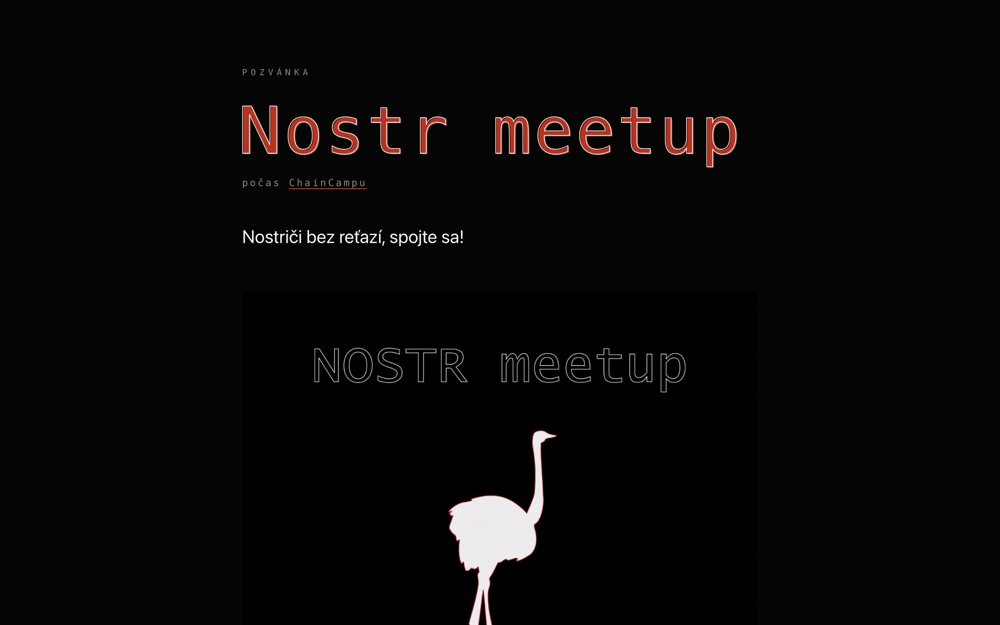 Event invitation
Details large enough to read across a room, and a calendar file the visitor downloads.
-
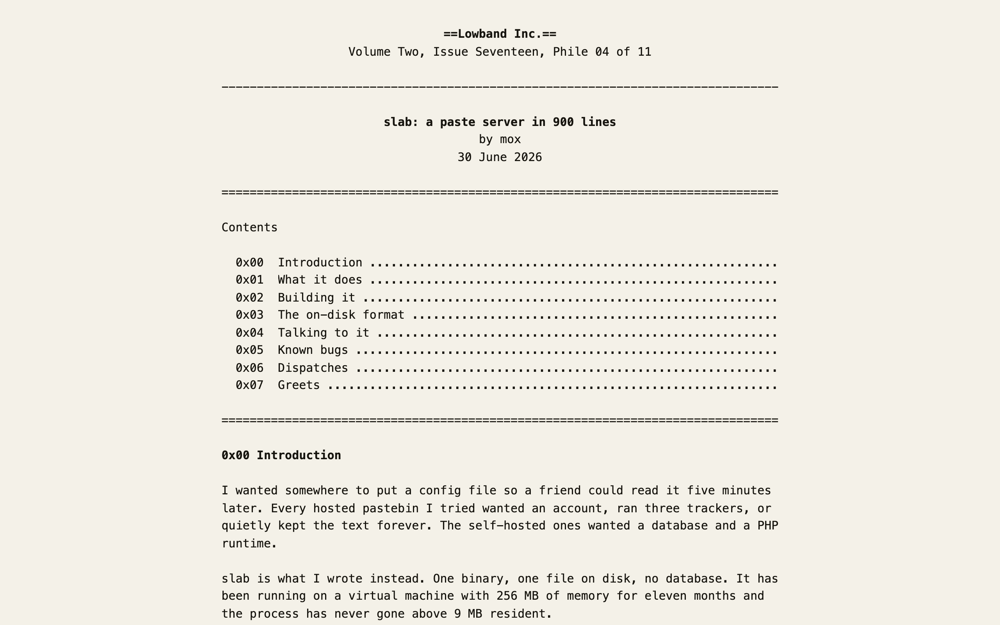 Text file
Seventy-nine columns of monospace and ASCII rules, in the shape of the old zines.
-
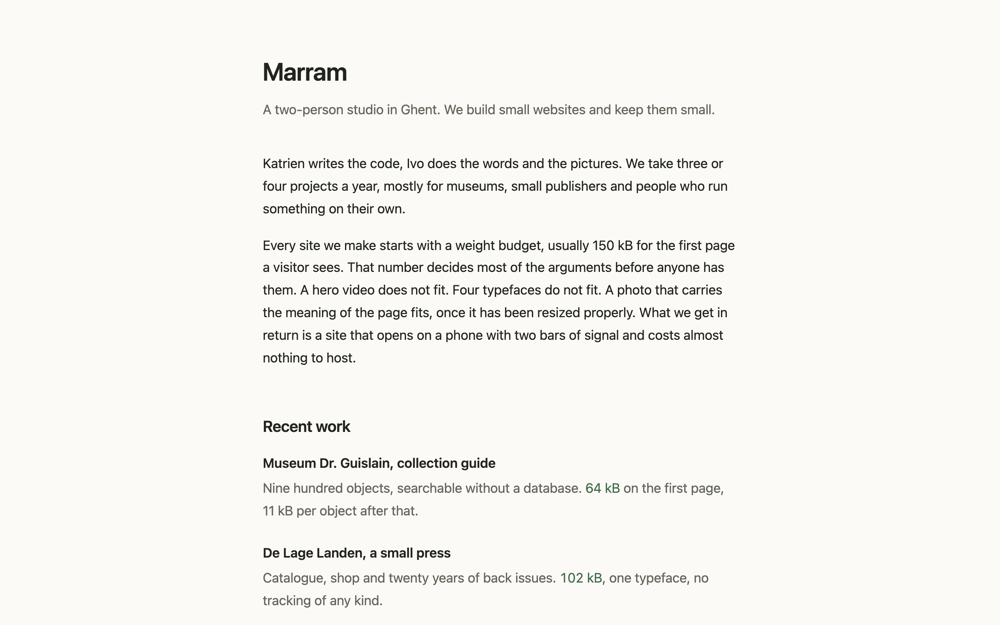 Low weight
System fonts and as little of everything else as the job allows. It measures and prints its own transfer weight.
Try it, with a real key
A live document is published under a throwaway key, and the key is public on purpose. Open it, press Sign in, paste the nsec, and edit the page. Your save rewrites the real document for everyone.
Anyone can rewrite that page, so whatever you find there is other people's leftovers. Never paste a key you care about into a page you did not publish yourself.
Deploy your own
The web publisher does the whole thing in a browser tab: pick a template, sign in with a key or make one, and it is online. There is a walkthrough with screenshots if you would like to see it first. After that the page saves itself and you never need the publisher again.
The CLI does the same job for anyone who would rather have a directory on disk and a command to run.
# scaffold a site and generate a key for it
npx nsite-clay init mysite

# publish it
npx nsite-clay deploy mysite --sec=nsec1…

# or keep the key off this machine and sign through a bunker
npx nsite-clay deploy mysite --bunker="bunker://…"
Your site is served at https://<npub>.nsite.lol/. Named sites
get their own subdomain, every save files a permanent version with its own URL, and any
NIP-5A gateway serves the same site. A CNAME from your own domain to your npub subdomain
gets a gateway to serve it there too, though HTTPS on that name needs a gateway that issues
certificates for it.
Assets are published at paths carrying their content hash, and each document watches its own manifest and reloads itself when a newer version appears. Nobody needs to know what a hard refresh is.
Built for agents, because the web is now built by agents
Most pages made with this will be built by an agent rather than by hand, so
the project ships a brief written for one. Point your coding agent at llms.txt
and ask it for the page you want.
The brief covers what to ask you for, how to pick and rework a template, how to get
the page online with a remote signer rather than a raw key, and the handful of things that
go wrong. It links the documentation rather than restating it, and works as
AGENTS.md in a project built on top of nsite-clay.
Gateways, and where your page gets served
A gateway resolves your manifest and serves the files. They all read the same events, so your site is not tied to any of them. If one is down, swap the hostname.
- nsite.lol, nosto.re and nwb.tf are public gateways.
- nsite.run, nsite.cloud and shakespeare.to are reference implementations. nsite.run also has the clearest explanation of what an nsite is.
- A CNAME from your domain to your npub subdomain gets any of them to serve it, over
plain HTTP. HTTPS needs a certificate for that name, which today means running your own.
npm run devnetruns one on your laptop.
What it does not do
- One key writes the document. The manifest carries one signature. No shared editing, no per-visitor content.
- No conflict detection. A replaceable event has no compare-and-swap, so two devices editing at once will silently lose one side's work.
- The gateway is trusted for the first byte. The entry document cannot verify itself. Everything it depends on is hash-checked, and the manifest, blobs and history all live outside the gateway, so you can verify through another one or run your own.
- No server code. If your project needs a backend, this is the wrong tool. Though your project probably does not need one beyond Nostr. You would be surprised how far you get without it.